電子發票 × 語音記帳E-invoice · voice entry · offline
帳本
自己會寫
The ledger that
keeps itself
綁定電子發票載具一次,消費就自動變成分類好的交易。懶得打字,說一句話也能記一筆。 Say a sentence and it becomes a transaction. In Taiwan, link your e-invoice carrier once and purchases file themselves.





免費下載 · 不用註冊 · iPhone 與 Android Free · no sign-up · iPhone and Android
消費完,帳就記好了It files itself
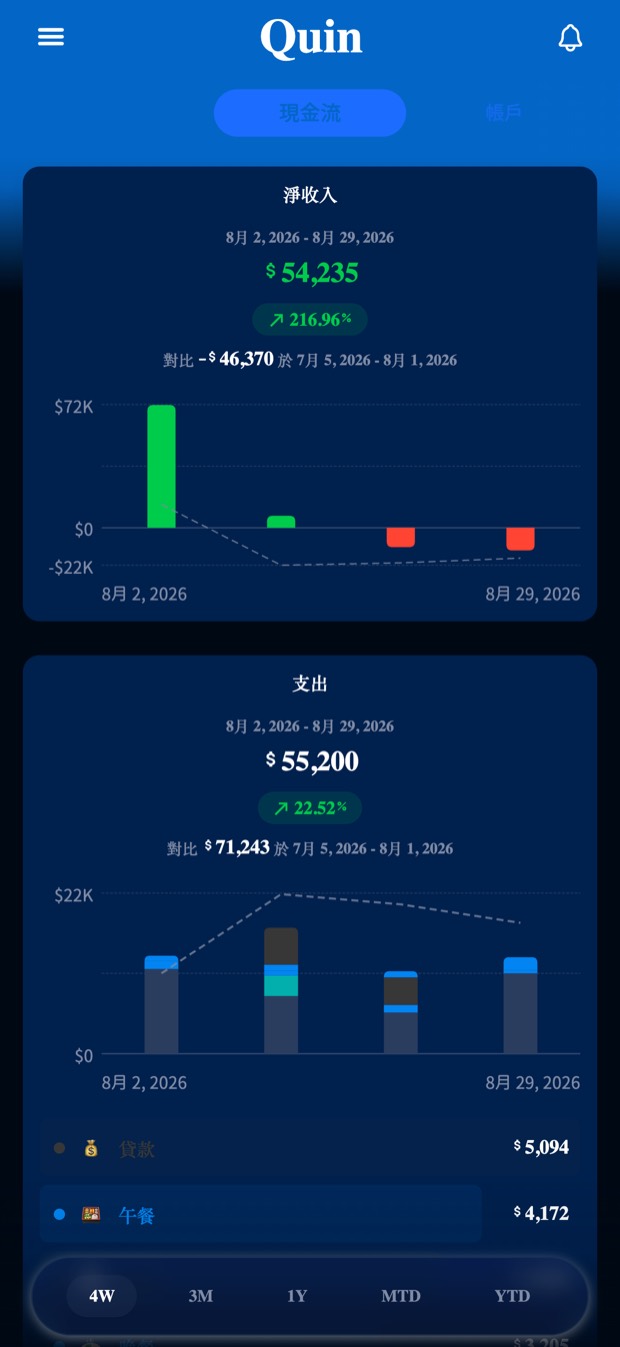
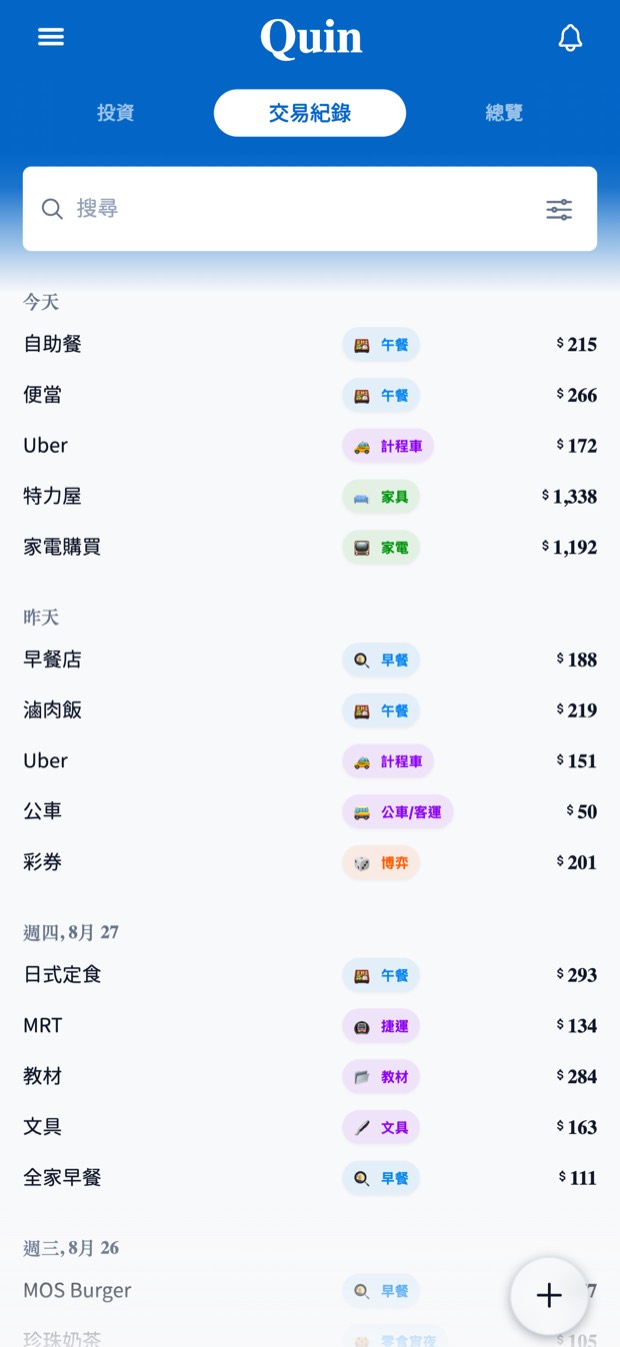
綁定手機條碼載具一次,之後每一筆消費自己進帳本 —— 店名、金額、品項明細都在,類別也分好了。 Link your government e-invoice carrier once. Every purchase then arrives on its own — merchant, amount, line items, already categorized.
- 品項明細照實記下,不是只有一個總額Line-item detail, not just a total
- 自動對到你的預算與類別Matched against your budgets and categories
- 主畫面小工具直接叫出手機條碼A home screen widget shows your carrier barcode at checkout
說一句,就記一筆Say it, and it's logged
「午餐便當一百二十現金」說完,金額、類別、帳戶就填好了,確認一下就存檔。 Speak one sentence and the amount, category and account are filled in. Glance, confirm, done.
- 語音轉文字在裝置上完成Speech-to-text runs on the device
- 離線時,能判斷的欄位照樣先填好Offline, it still fills in what it can work out locally
- 主畫面小工具一點就開始說One tap from the home screen widget
其他功能Everything else
一個 App,把錢的事看完One app for the whole picture
一眼看懂這個月This month at a glance
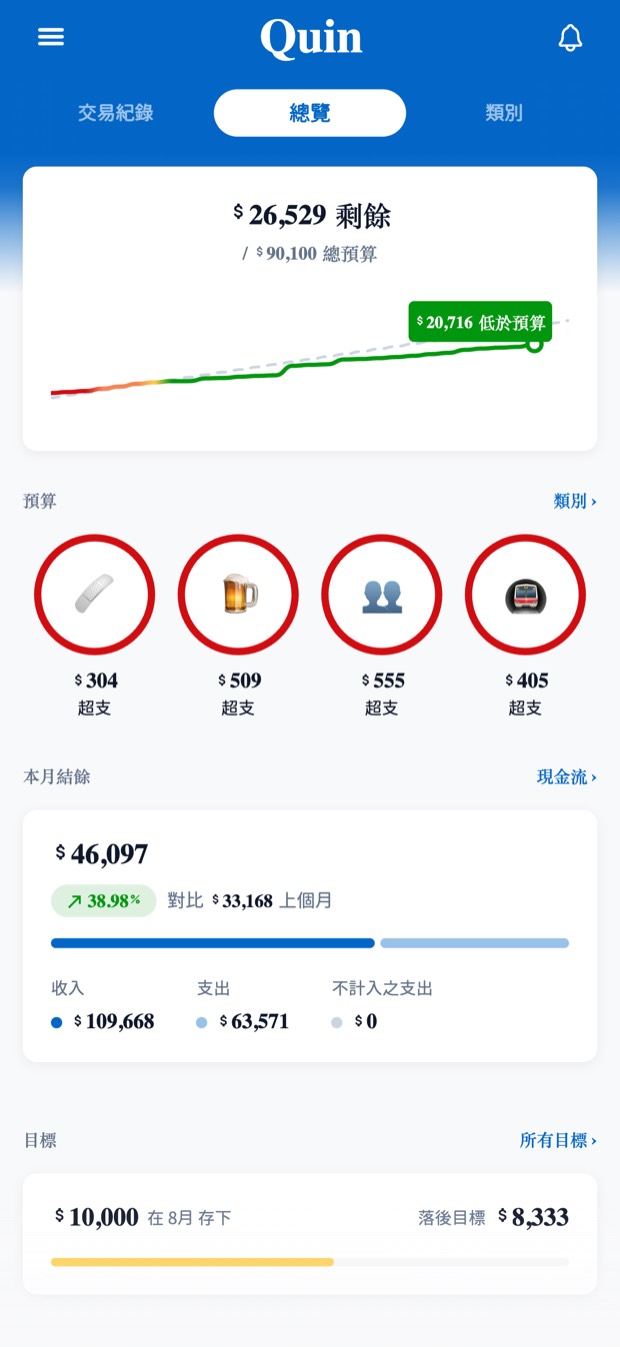
首頁只回答一個問題:這個月還好嗎。預算剩多少、哪幾筆待確認、哪張帳單快到期。The dashboard answers one question — am I okay this month. Budget left, entries to review, bills coming due.
信封式預算Envelope budgets
每個類別一個月度預算,快超支就提醒你,不必等到月底才發現。A monthly budget per category, with a nudge as you approach the line — not at month end.
儲蓄目標Savings goals
進度是由真實帳戶餘額算出來的,不是自己填上去的數字。Progress backed by real account balances, not a number you typed in.
投資持股Investments
台股與美股報價,成本、市值、報酬放在同一頁;多個券商帳戶分開算。Holdings priced from the Taiwan and US markets — cost, market value and return together.
多幣別帳戶Multi-currency
不同幣別各記各的,總額依每日匯率換算。出國、海外收入都算得清楚。Keep accounts in different currencies; totals convert at daily rates.
主畫面小工具Home screen widgets
本月可花、快速記一筆、即將到期的帳單、手機條碼 —— iOS 與 Android 都有。Budget left, quick add, upcoming bills and your carrier barcode — on iOS and Android.
實際畫面Screens
深色淺色,跟著系統走Light and dark, following your system
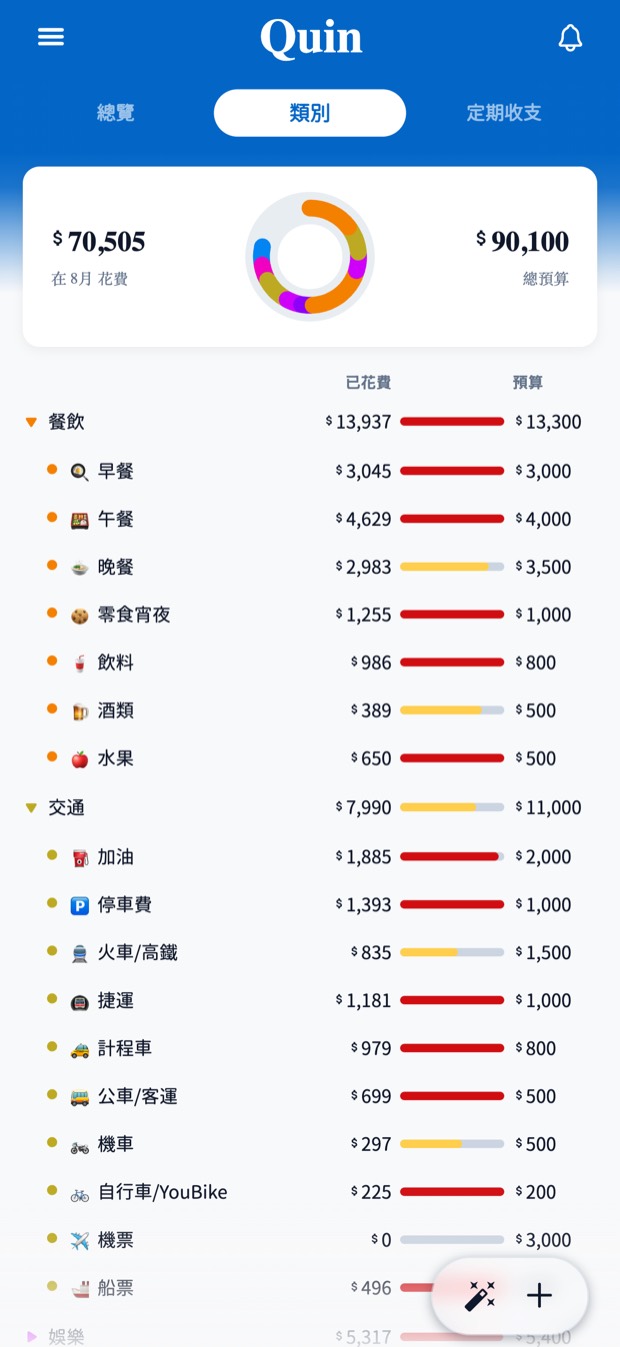
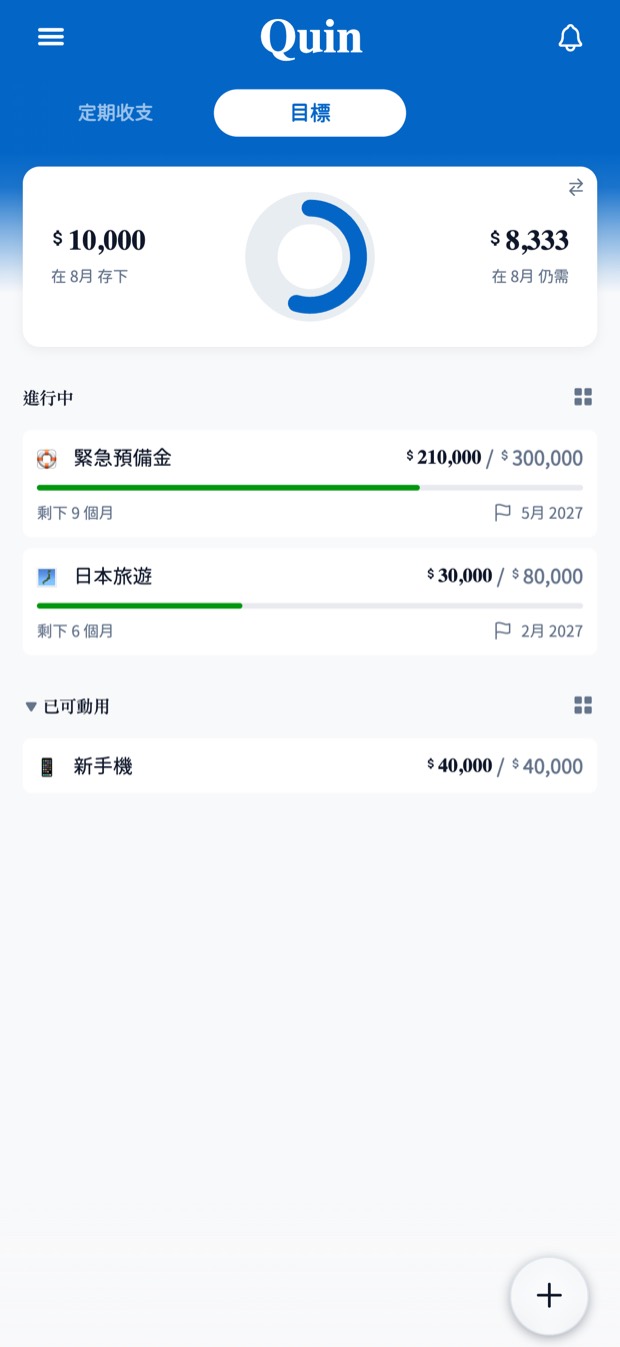
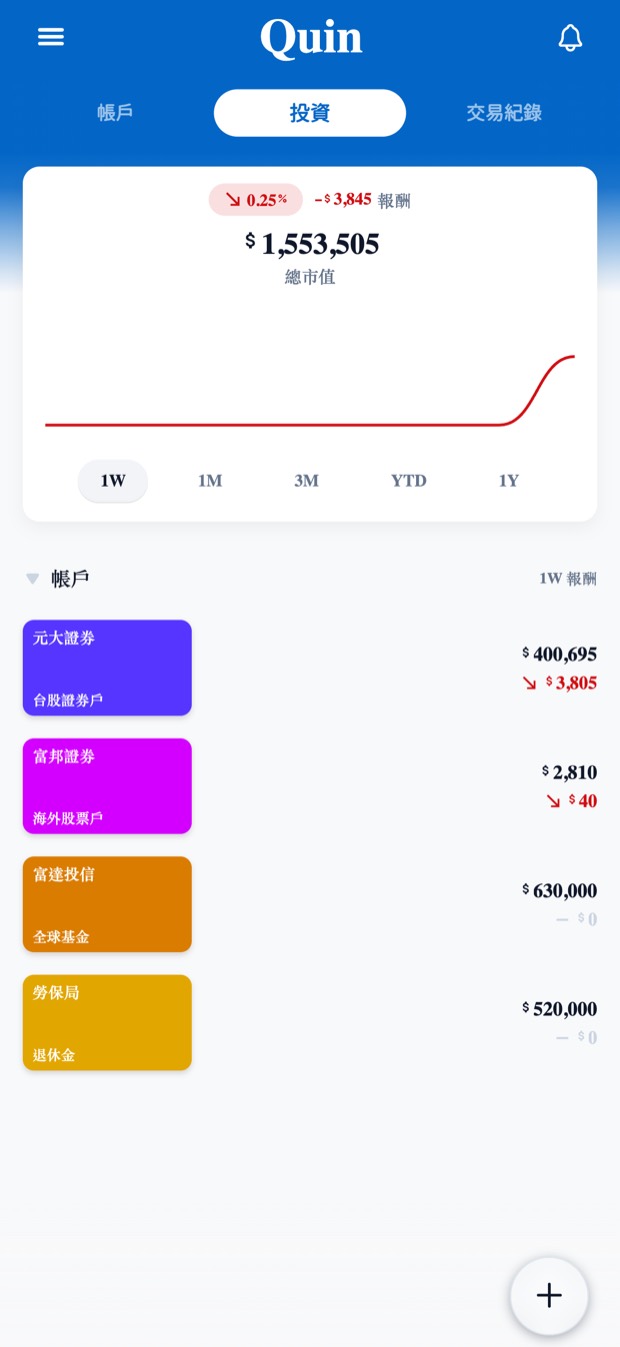
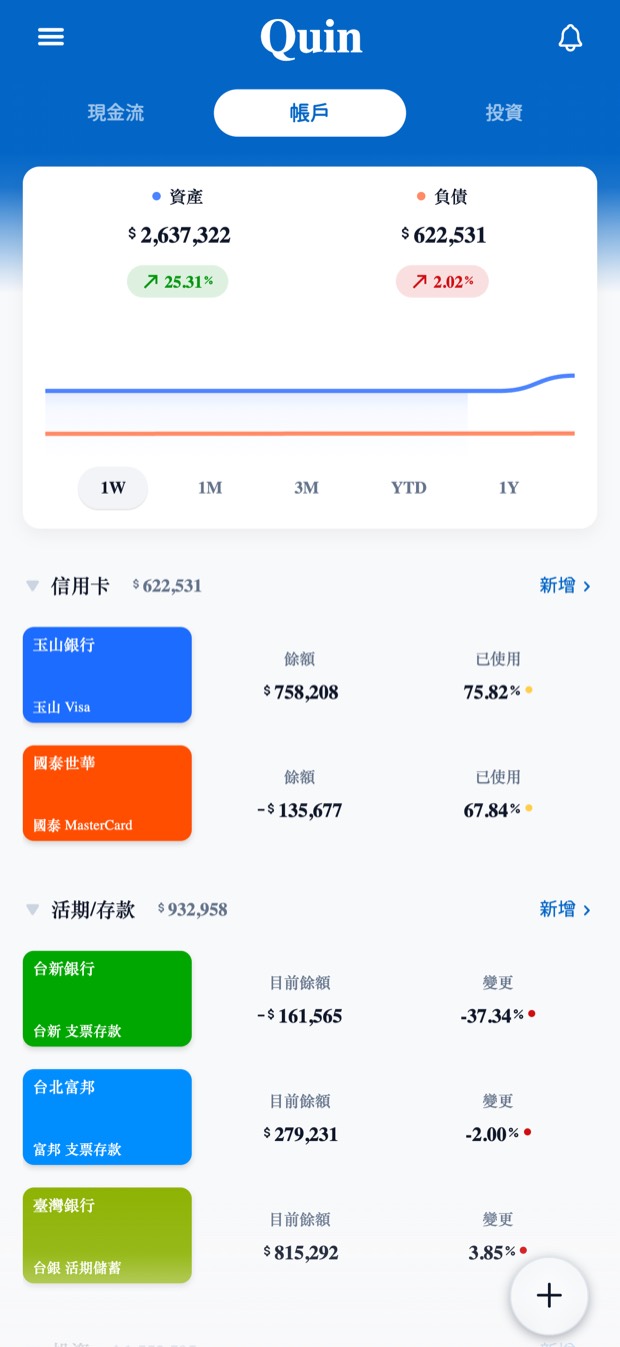
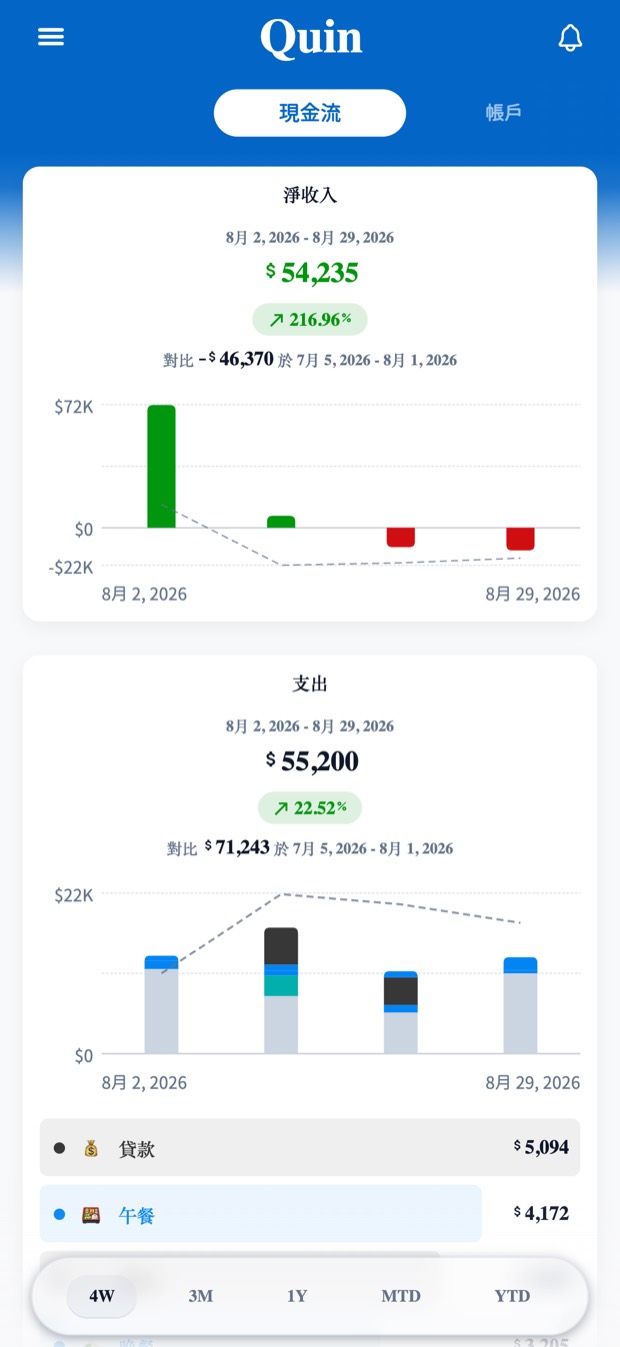
← 左右滑動看更多 →← swipe for more →
隱私Privacy
帳本留在你的手機裡Your ledger stays on your phone
不用註冊帳號。資料是裝置上的本機資料庫,可以用 Face ID 或指紋上鎖,第一次打開就能離線使用,並支援 iCloud、Google Drive 雲端備份。 No account needed. The ledger is a local database on your device, lockable with Face ID or a fingerprint, and usable offline from the first launch, with cloud backup to iCloud and Google Drive.
股價、匯率、電子發票查詢、雲端備份與廣告需要連線,其餘功能離線都能用。 Stock prices, exchange rates, e-invoice lookups, cloud backup and ads need a connection; everything else works offline.
價格Pricing
先看看再決定Try it before anything else
免費Free
功能全部給你Every feature, no paywall
所有功能在所有地區都免費,台灣的電子發票自動匯入也是。App 內有一則小型橫幅廣告,一次買斷就永久移除,沒有訂閱。 Every feature is free everywhere, including automatic e-invoice import in Taiwan. The app shows a small banner ad, and a single one-time purchase removes ads for good. There is no subscription.
展示模式Demo Mode
不用填任何資料Nothing personal required
第一個畫面就有展示模式,一鍵載入完整的示範資料,整個 App 先逛一圈再說。 Demo Mode sits on the very first screen. One tap loads the whole app with realistic data, so you can look around first.
常見問題FAQ
幾個先問清楚的A few things worth knowing
要註冊帳號嗎?Do I need an account?
不用。下載打開就能開始記,沒有註冊、沒有登入。No. Open the app and start — there is no sign-up and no login.
換手機的話,資料怎麼辦?What happens when I change phones?
支援 iCloud(iPhone)與 Google Drive(Android)雲端備份。在「設定 → 資料」備份,新手機登入同一個帳號後還原,資料就回來了。Landy Money supports cloud backup to iCloud (iPhone) and Google Drive (Android). Back up in Settings → Data, then restore on the new phone signed in to the same account — everything comes back.
支援哪些裝置?Which devices are supported?
iPhone 與 Android 手機。介面有繁體中文、英文等 10 種語言。iPhone and Android phones. The interface ships in 10 languages, including English and Traditional Chinese.
電子發票自動記帳,台灣以外也有嗎?Is e-invoice import available outside Taiwan?
沒有,那是接台灣財政部的電子發票系統。其他地區用手動、語音記帳與定期帳單。No — it is built on Taiwan's government e-invoice system. Elsewhere you have quick manual entry, voice entry and recurring bills.

今天這筆,先記下來Start with today's first entry
免費下載,不用註冊。看看一個不用每天硬撐的帳本長什麼樣子。Free to download, no sign-up. See what a ledger you don't have to keep up with feels like.